
Turn a list of numbers into customers you actually know.
A broadcast list is a pile of phone numbers. Buddy collects WhatsApp subscribers with permission and remembers where they came from, what they like and what they did, so every message goes to the right people.
 Sofia Martins+351 912 345 678 Opted in

 312
312QR code · just now
bought-twice
312 people

A list of numbers can't tell you who to message.
Most businesses reach customers one chat at a time, or blast everyone the same broadcast. Buddy turns each person into a profile, so you send the right message to the right people and they want to stay.
Saved contacts, scattered chats, no context.
- Saving numbers one by one from DMs and receipts.
- Broadcast lists that only reach people who saved your number.
- No idea who joined from Instagram, the shop or your website.
- The same message for your best customer and a stranger.
- A spreadsheet that's out of date the day you export it.
Every subscriber is a person you understand.
- People join themselves from a link, QR code or your site.
- Every message reaches everyone who opted in.
- Each subscriber shows where they came from and when.
- Tags and segments send each message to the people it suits.
- The audience updates itself as people buy, read and reply.
Grow it, organise it, use it.
Your audience builds itself from the places customers already find you.
Collect
Share your opt-in page, print your QR code or add the widget to your site. People tap, say yes on WhatsApp and arrive in Buddy.
 Linen & Co. updatesusebuddy.app/linenandco
New colours, restocks and members-only offers on WhatsApp. Stop any time.
Join on WhatsAppOrganise
Every subscriber gets a profile. Tags arrive from the source they joined from, from automations, and from your store.
Use
Build a segment from tags and behaviour, then send a WhatsApp message or start an automation for just those people.
Everything inside Audience.
Ten pieces that work together, so your list grows with consent and stays useful.
One profile per person, with everything that matters attached.
Name, number, where they joined, when they said yes, their tags, and every message they received, read, clicked or replied to. It's the context that makes a message feel personal.
Unlike a broadcast list, nobody has to save your number. If they opted in, they get your message.
Opt-in page and link
A page at your own Buddy link, ready for your Instagram bio, emails and receipts. One tap to join on WhatsApp.
QR codes
Print one for the counter, the packaging or the event stand. Each QR code tags subscribers with where they found it.
Website opt-in widget
One line of code adds a WhatsApp sign-up to your site, with consent recorded the moment someone joins.
CSV import
Bring in customers who already agreed to hear from you, with their tags and where their consent came from.
Tags
Add them by hand, from automations, from your store or from the API. Interest, customer type, source: whatever helps you send better.
Segments
Combine tags to target exactly who you mean: anyone with these tags, all of them, minus the ones you exclude. Live counts as you build.
Engagement history
See every message a subscriber received and what they did with it, so you know who's paying attention.
Store and app data
Connect Shopify, WooCommerce, Selar and more, or use the API, and orders become tags and audiences automatically.
Search and filters
Find anyone by name, number or tag in seconds, and open their full profile and conversation.
What Audience does for you, day to day.
Every new subscriber arrives with context.
Someone who scans the QR at your counter isn't the same as someone who found you on Instagram. Buddy tags each subscriber with where they joined, so your first message already fits.
Daniel KovacsJoined 2 minutes ago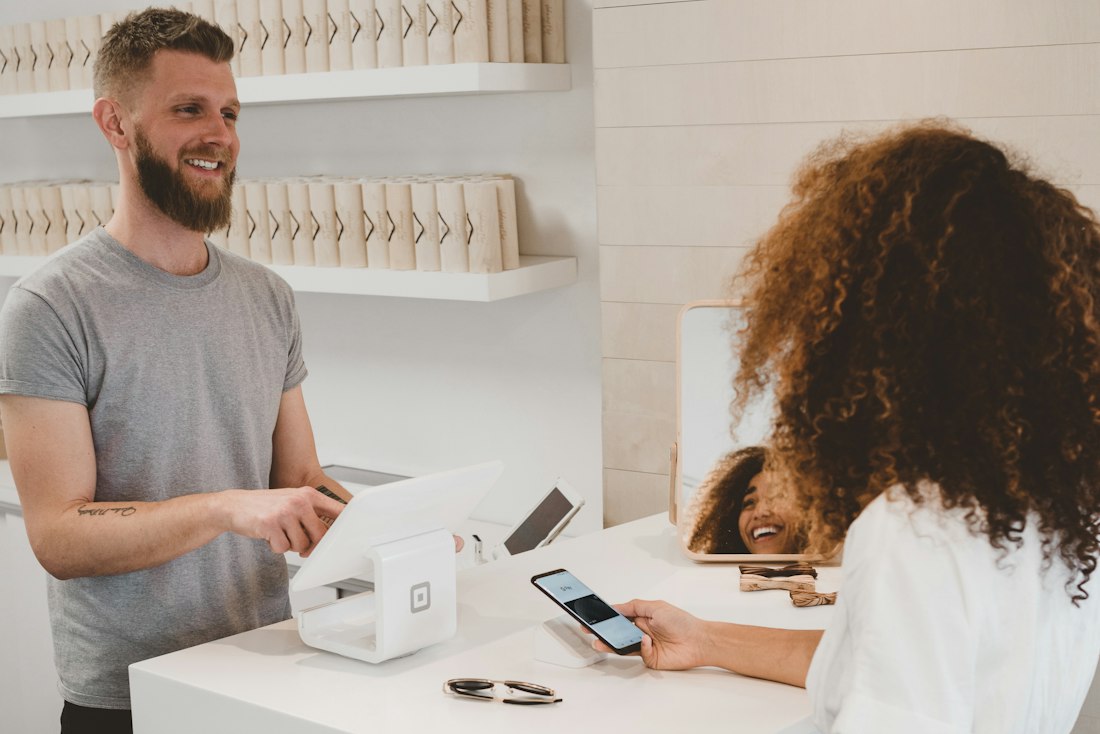

Send each message to the people it's for.
Pick the tags, choose any or all, exclude who shouldn't get it, and watch the count update live. What you see is exactly who receives it.
Find the customers who are paying attention.
Engagement history shows who reads, clicks and replies. Send launches to your most engaged people first, and give quiet ones a reason to come back.
Sofia M.Read 6 of 6 · 3 repliesMarcus O.Read 5 of 6 · clicked 4 Grace K.Read 6 of 6 · 2 replies
How different businesses grow their audience.
A QR code at the till
Customers scan while they pay and join for restock news. Each one is tagged in-store.
Boutiques and shopsA link in bio
Followers join with one tap and hear about drops before they're posted.
CreatorsEnrolment opt-in
Students tick a box at checkout and get class reminders on WhatsApp.
Course sellersTable cards
Diners scan to get the weekly menu and quiet-night offers.
RestaurantsSign-up checkbox
New users choose WhatsApp updates during onboarding, sent to Buddy by the API.
SaaS teamsThree things people ask about Audience.
Can I import my existing WhatsApp contacts?
You can import customers who agreed to hear from you, with where that consent came from. Buddy never adds anyone who didn't say yes.
Do people need to save my number?
No. That's a limit of broadcast lists. With Buddy, everyone who opted in receives your message, whether or not they saved you.
Is there a cap on subscribers?
No hard cap. Plans grow with the size of your audience, so you only pay for more as you grow. See pricing for the details.
Questions about Audience.
Anything else, ask Sarah.She reads every message and writes back herself.How do people join my audience?
Through your opt-in page and link, QR codes, the website widget, your connected store, or the Buddy API. Each route records when they said yes and where.
What's the difference between a tag and a segment?
A tag is a label on a person, like bought-twice or in-store. A segment is a group defined by tags, such as everyone with any of these tags except those with another. Segments update as tags change.
Can I see where each subscriber came from?
Yes. Every profile shows the source they joined from and when, and you can see which sources bring in the most subscribers.
Can tags be added automatically?
Yes. Tags can come from the QR code or link someone used, from automations (for example when someone replies "interested"), from connected stores, and from the API.
What happens when someone opts out?
They're marked as opted out and excluded from every future send automatically, while their history stays on record.
What does WhatsApp charge?
Meta charges for business messages by type and country, billed to your own WhatsApp Business account. Your Buddy plan is separate, and every feature on this page is part of it.
Audience works with everything else in Buddy.
See the Buddy AppStart building an audience that wants to hear from you.
Join the waitlist and your opt-in page and QR code can be ready on day one.

Shop QR code
in-store
Instagram link
Repeat buyers · 312